Linux for Oracle DBAs
Master the three core concepts every Oracle DBA must know about Linux — from what it is, to how you use it daily, to understanding its Unix roots. The foundation everything else is built on.
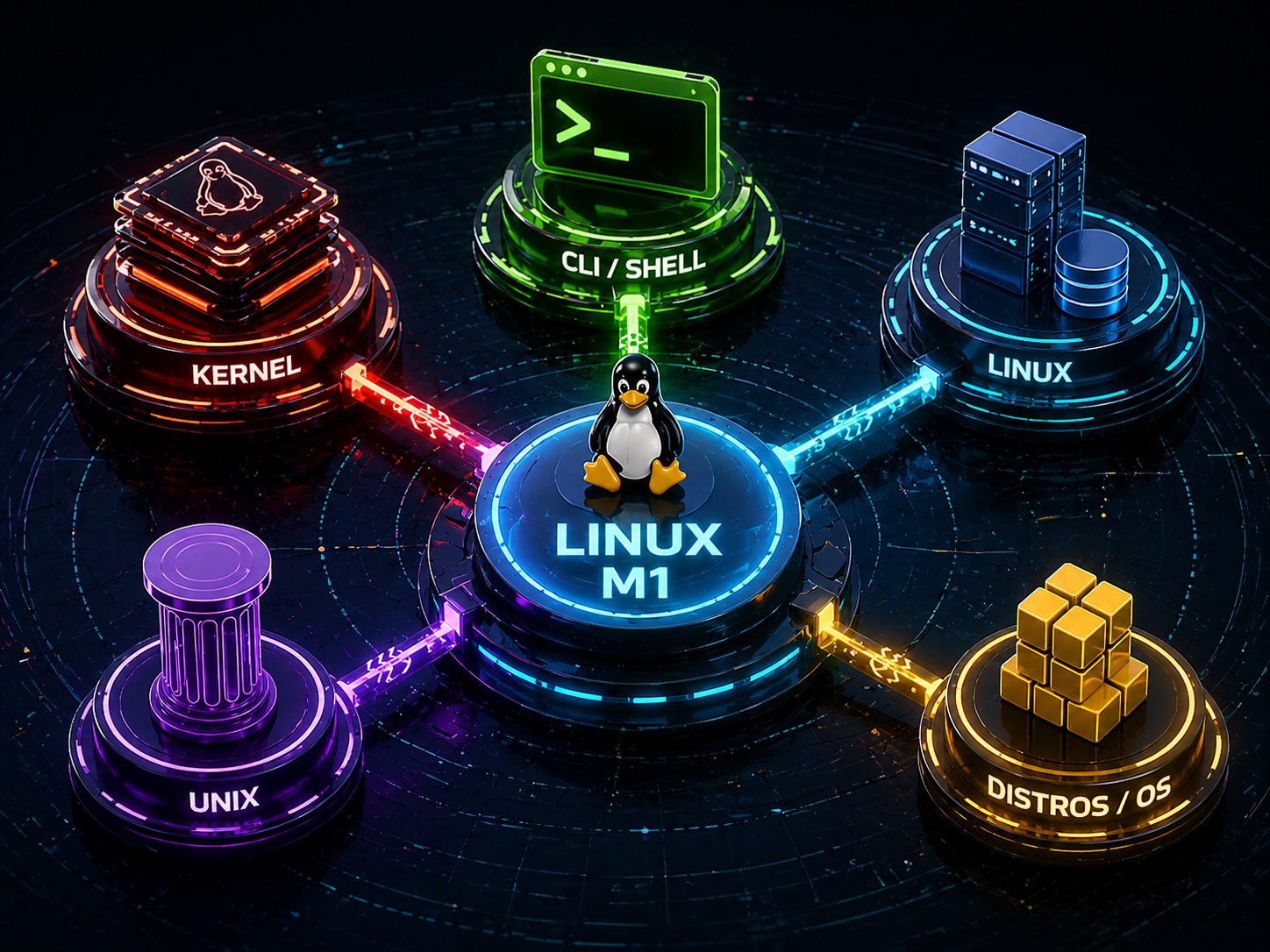
Linux M1 — Introduction
Three essential topics. Each one broken into Explanation, Key Points, DBA Relevance, and a real Scenario. Click any tab to begin.
Linux is a free, open-source operating system that runs on a kernel, the core layer that manages hardware resources like CPU, memory, and storage.
It was built to be stable, secure, and highly customizable, which is why it became the backbone of enterprise servers worldwide.
Unlike Windows, Linux operates mostly through a command-line interface (CLI), where you type commands to get things done. Most Oracle databases live on Linux servers, making it essential knowledge for any DBA.
Think of Linux as the operating layer between your Oracle database and the physical hardware. Every query, every write, every process passes through the Linux kernel.
You've just joined a company as a junior DBA. Your manager gives you SSH access to a server and says, "The database is installed on the Linux box, go check if the Oracle service is running."
Without basic Linux knowledge, you'd be completely stuck at the terminal prompt, not knowing how to navigate, how to list processes, or where Oracle even lives on the filesystem.
With Linux fundamentals, you know exactly how to connect, navigate to the right directories, and check the process list all within minutes. You look competent from day one.
As a DBA, you won't be writing software in Linux but you will use it constantly for day-to-day database operations.
Linux is the environment where Oracle lives, and knowing how to move around it comfortably makes you far more effective on the job.
Everyday Linux use for a DBA is about navigating directories, managing files, checking system health, and reading logs all through the terminal.
Most production issues are diagnosed and solved directly from the Linux command line. There is no GUI safety net on most enterprise servers.
/u01/app/oracle/ you need to find them fast./, with Oracle files under /u01/app/oracle/.A developer reports that the application is throwing a database connection error. As the DBA on call, you connect to the Linux server, navigate to Oracle's alert log directory, and open the latest alert log file.
You immediately spot — "ORA-00257: archiver error. Connect internal only, until freed."
You recognize this as a full archive log destination — a disk space problem on the Linux filesystem. You check the disk with df -h, confirm the archive volume is at 100%, and take action. Problem solved in minutes, all through the Linux terminal.
Linux was inspired by Unix — an older operating system developed in the late 1960s at Bell Labs. They share the same design philosophy: everything is a file, small tools do one job well, and the command line is king.
While they look and behave very similarly, they are not the same thing. Unix is proprietary and commercial. Linux was built from scratch to be free and open.
Understanding the difference helps you make sense of why Oracle documentation, commands, and file structures look consistent across different platforms.
For a DBA, the practical differences are small — skills learned on Linux transfer almost entirely to Unix environments like IBM AIX or Oracle Solaris.
You're a DBA working at a large bank. Most servers run Oracle Linux, but the core banking system still uses an IBM AIX server from years ago.
Your manager asks you to check the alert log on the AIX machine — a system you've never logged into before.
Because you know Linux well, the commands feel immediately familiar. The directory structure, the way you navigate, the Oracle environment variables — all nearly identical. What could have been an intimidating task becomes straightforward because Unix and Linux share the same foundation.
📘 Terms You Should Know
New to Linux? These are the words, commands, and flags you will see most often. Read these once before diving deeper.
Kernel
The core of Linux. It sits between your hardware and software, managing CPU, memory, and storage. Everything passes through it — including Oracle.
Distribution (Distro)
A packaged version of Linux. Think of it as a flavour of Linux — like Oracle Linux or RHEL. Same kernel, different tools bundled on top.
CLI / Terminal
Command-Line Interface. A text-only window where you type commands instead of clicking buttons. This is how DBAs work on Linux servers.
Shell
The program that reads your commands and passes them to the kernel. The most common shell is bash (Linux) and ksh (Unix/AIX).
Process
Any running program on Linux. Oracle's background workers are all Linux processes with unique IDs called PIDs.
Root ( / )
The top-level directory in Linux. Every file and folder lives under it. Like C:\ on Windows, but written as just a forward slash. You will learn more about it in the upcoming topics.
Directory
Simply a folder in Linux. Directories hold files and other directories. Oracle files are organized in specific directories on the server.
$ORACLE_HOME
An environment variable/ name of the path where the Oracle database software is installed — e.g. /u01/app/oracle/product/19.3.0.0.db_1.
$ORACLE_SID
A variable holding the name of your Oracle database instance. Linux uses it to know which database you want to connect to.
df
Disk Free. Shows how much disk space is used and available on each filesystem. Critical for catching a full archive log disk before it crashes Oracle.
-h (Human Readable)
Added to commands like df -h or ls -lh to show sizes in KB, MB, GB instead of raw byte numbers that are hard to read.
ssh
Secure Shell. The command used to remotely connect to a Linux server from your laptop. Every DBA uses this to access production servers.
Quick Revision
Core concepts condensed for fast review before your quiz or a real-world task.
Linux M1 Quiz
Test your understanding across all three topics. Select the best answer for instant feedback.